Villager trades are grayed out again. You’ve been waiting. Nothing is happening. Sound familiar?
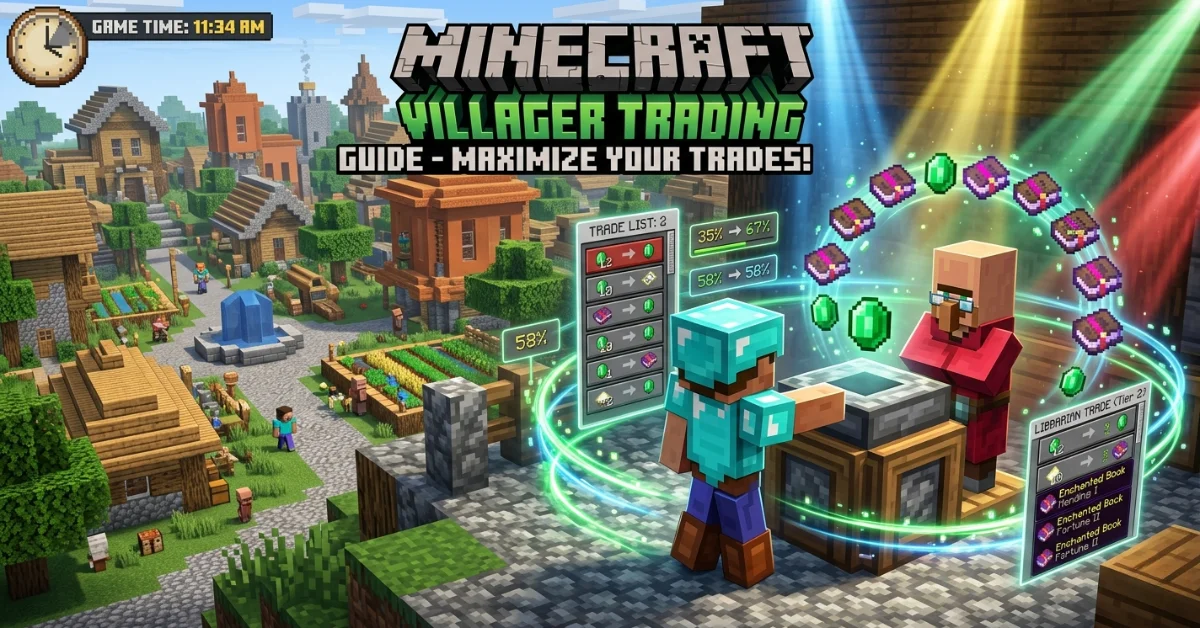
This guide breaks down exactly how to get villagers to restock in Minecraft — why it stops working, and how to fix it fast. Works for both Java Edition and Bedrock Edition.
How Villager Restocking Actually Works in Minecraft
Villagers restock by visiting their Job Site Block — also called a workstation — during working hours. That’s it. No workstation access, no restock. Simple rule, but easy to break without realizing it.
Here’s what the restock cycle looks like in practice:
Villagers work between 9 AM and 10 AM in Minecraft’s in-game clock. During that window, they walk to their assigned workstation and refill their trades. One Minecraft day lasts 20 real-world minutes, so a full trade reset happens roughly every 10 minutes of real time.
Villagers can restock up to 2 times per day. This is controlled by an internal value called RestocksToday — tracked in the game’s entity data. Once a villager hits 2 restocks within a 10-minute window, the game locks them out until the next cycle resets.
How do you know a villager is restocking? Watch for green particles floating around them. That’s your visual confirmation that the restock is actively happening.
One key fact most players miss: Java Edition and Bedrock Edition handle restocking differently. More on that in a dedicated section below.
For more info: How to Soften Brown Sugar Fast – Easy Fix in Minutes
Why Won’t My Villagers Restock?
This is where most players get stuck.
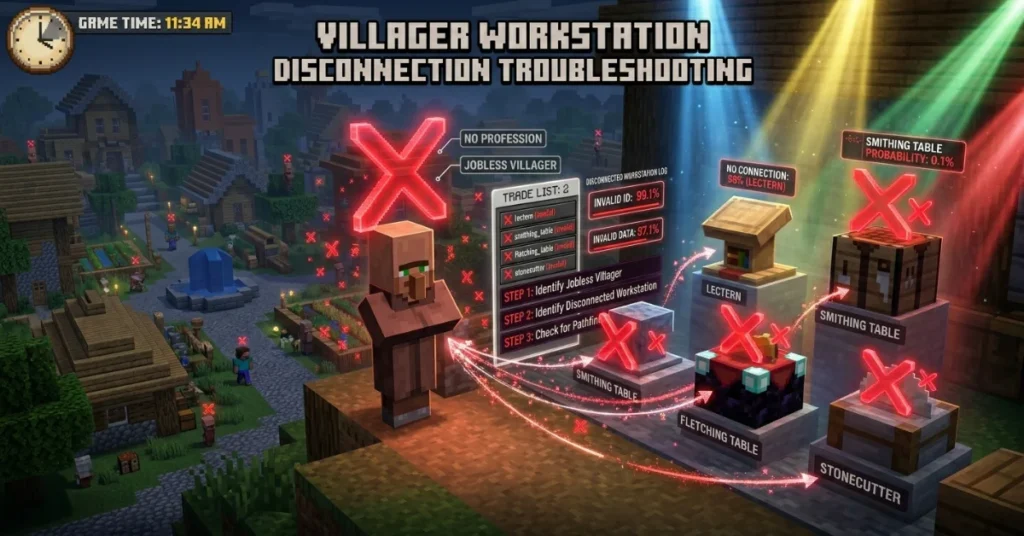
The most common reason villagers won’t restock is blocked workstation access. If anything is sitting in front of the Job Site Block — even a small block like a trapdoor, carpet, or slab — the villager physically cannot reach it to work. No work = no restock.
Here are all the real causes, including ones most blogs skip:
Blocked or inaccessible workstation
The villager needs a clear path to the front face of their workstation. Small decorative blocks placed nearby are the most common accidental culprit.
Unclaimed workstation
This one trips up a lot of players. A villager can only restock at a workstation they personally claimed. If you place a second Lectern or Blast Furnace nearby, your villager won’t use it — even if it’s the same type. They’re bound to their original claimed block.
Missing bed on Bedrock Edition
On Bedrock Edition, villagers require a linked bed to restock their trades. This is not required on Java Edition. If you’re playing Bedrock and your villager has no bed nearby, restocking simply will not happen — regardless of workstation access.
Daily restock limit reached
If a villager has already restocked twice in the last 10 minutes, the RestocksToday counter locks them out. This isn’t a bug. It’s the intended game mechanic. You just need to wait.
Full villager inventory
Each villager has 8 inventory slots. If those slots fill up — from picking up dropped items nearby — the villager can’t produce new stock. Never drop items on the ground near your villagers.
Mods or plugins interfering
Custom mods, datapacks, or server plugins can silently alter villager AI behavior. If restocking suddenly broke after adding something new to your game, that’s your first suspect.
Villager AI pathfinding failure
Sometimes a villager simply gets stuck. Their internal pathfinding fails and they can’t navigate back to their workstation. This happens more in cramped Trading Hall builds where space is too tight for the AI to function correctly.
How to Get Villagers to Restock – Step-by-Step Fix
Follow these steps in order. Most players fix the problem at step one or two.
- Verify the workstation is claimed Right-click the villager and open the trade menu. If they have a profession and trades listed, they have a claimed workstation. If the trade menu is empty, the workstation link is broken.
- Clear every obstruction near the workstation Walk around the Job Site Block and remove any block touching its front face. Check for trapdoors, carpets, flower pots, and slabs — these are the sneaky culprits.
- Break and replace the Job Site Block If the villager still won’t work, break the workstation and place it again directly in front of the villager. This forces the villager to re-claim it and resets the connection.
- (Bedrock Edition only) — Add a bed Place a bed within detection range of the villager. On Bedrock, the villager must be linked to a bed to trigger restocking. If other villagers are nearby, they may steal the bed — build a small enclosed room with multiple beds behind your trading station to prevent this.
- Give the villager room to move If you’re running a Trading Hall, make sure each cell is large enough for the villager to freely walk between their bed and workstation. Tight 1×1 cells break villager AI pathing.
- Check your mods and plugins On a modded game or server, disable mods one at a time and test after each removal. If restocking resumes after removing a specific mod, that’s your conflict.
- Wait for one full in-game workday After making any fix, give the villager one full workday cycle to respond. Watch for green particles to confirm the restock is working again.
Java Edition vs Bedrock Edition – Villager Restock Differences
Most guides treat these two editions as identical. They’re not.
Java Edition is simpler for restocking. Villagers only need:
- A claimed Job Site Block with clear access
- A valid profession
No bed required. The restock triggers automatically when the villager reaches their workstation during working hours.
Bedrock Edition adds an extra requirement. Villagers need:
- A claimed Job Site Block with clear access
- A linked bed within range
Without a bed on Bedrock, the villager will not restock — even if the workstation is perfectly set up. This single difference causes enormous confusion for players who switch between editions or find conflicting advice online.
Cured Zombie Villagers behave slightly differently too. After being cured from a Zombie Villager, a villager may take 1 to 2 extra in-game days before their restocking normalizes. If your freshly cured villager isn’t restocking right away, this is expected behavior, not a bug.
Server and multiplayer behavior also matters. On servers with low tick rates or heavy plugin loads, villager AI processes more slowly. Restocks can be delayed significantly compared to single-player worlds — especially on budget hosting with poor performance.
Here’s a quick comparison:
| Requirement | Java Edition | Bedrock Edition |
| Claimed Workstation | ✅ Required | ✅ Required |
| Bed | ❌ Not required | ✅ Required |
| Restock per day | Up to 2 | Up to 2 |
| Visual indicator | Green particles | Green particles |
| Cured villager delay | 1–2 days | 1–2 days |
How to Make Villagers Restock Faster – Pro Tips
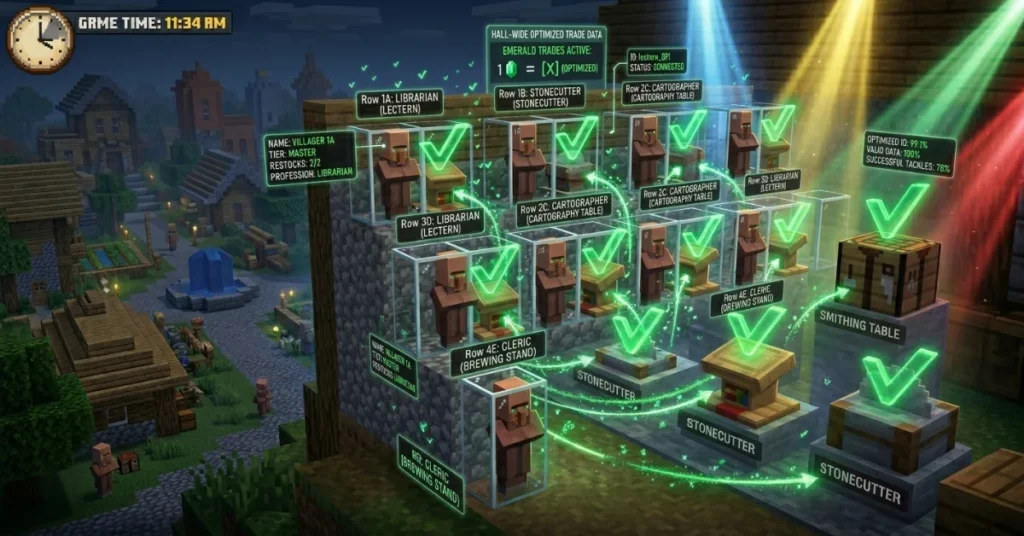
Once your villager is restocking normally, these tips help keep it consistent and fast.
Keep the workstation within close range
The villager needs to physically walk to their Job Site Block. The shorter the path, the faster they restock. Keeping the workstation within 48 blocks with no obstacles is ideal.
Use name tags on valuable villagers
A Librarian or Farmer with great trades can despawn if they wander too far in certain situations. Use a name tag to prevent losing them permanently.
Never drop items near villagers
Dropped items on the ground can fill a villager’s 8 inventory slots fast. A full inventory blocks them from restocking new stock. Keep your trading area clean.
Trade regularly to level up
Every trade gives both you and the villager experience points. As villagers level up from Novice → Apprentice → Journeyman → Expert → Master, they unlock new trades. Leveling up also triggers a restock. Regular trading = faster progression for everyone.
Build a proper Trading Hall
A well-designed Trading Hall is the single best long-term fix. Each villager gets their own isolated cell with a dedicated workstation and bed they can’t lose to neighboring villagers. On Bedrock, build a small enclosed bedroom directly behind or below each cell so no other villager can claim the beds.
Understand the gossip system
Minecraft’s gossip system tracks your reputation with villagers. Trading frequently, curing Zombie Villagers, and helping during raids all build positive gossip. Higher reputation = better prices and more consistent trading behavior across the whole village.
FAQ – How to Get Villagers to Restock in Minecraft
How to make a villager restock faster?
Make sure their Job Site Block is directly accessible with no blocks in the way. Trade with them regularly to keep them active. On Bedrock, also confirm they’re linked to a bed. The fastest restock happens when the villager has a clear, short path between their bed and workstation.
Why won’t my villagers restock?
The most likely cause is a blocked or unclaimed workstation. Other causes include a missing bed on Bedrock Edition, a full villager inventory (8 slots max), hitting the daily 2-restock limit, or a mod/plugin conflict. Work through each cause in order until it’s resolved.
How long will it take for a villager to restock?
Villagers restock during the in-game workday between 9 AM and 10 AM. Since one Minecraft day equals 20 real-world minutes, a restock can happen roughly every 10 minutes. If the daily limit of 2 restocks is already hit, you’ll wait until the next in-game day.
What is the rarest village in Minecraft?
The Snowy Village is widely considered the rarest village type. It generates only in snowy tundra and snowy taiga biomes — among the least common biomes in standard world generation. Finding one naturally is a genuine rarity.
Who is the hardest villager to get in Minecraft?
The Fletcher is considered the hardest villager to obtain. The Fletching Table — the Job Site Block needed for this profession — rarely spawns naturally inside villages. Most players have to craft one and place it manually to create a Fletcher.
What is seed 999 in Minecraft?
Seed 999 is a widely discussed Minecraft seed in the community, especially on YouTube and Reddit. It became popular for reportedly generating unusual terrain and eerie world features. Its exact behavior varies depending on the game version and edition you’re playing, so results may differ from what you see in videos.
Conclusion
Getting villagers to restock in Minecraft comes down to one core rule: they need clear, unobstructed access to their claimed Job Site Block — plus a bed if you’re on Bedrock Edition.
Most restock problems have a simple fix. Check the workstation, clear any obstructions, and give the villager one full workday cycle to respond.
Build a solid Trading Hall, use name tags, and keep inventory slots clear — and you’ll rarely face this problem again.