You plug in your iPhone and watch it crawl from 20% to 100%. There has to be a faster way — and there is.
This guide gives you real iPhone charging times by model, a complete comparison of every charging method, and the science-backed tips that genuinely speed things up. No filler. Just what actually works.
| 20W Fastest wired charge speed for most iPhones | ~1 hr Time to full charge a modern iPhone at 20W |
How Long Does an iPhone Actually Take to Charge?
Most people guess. This section gives you exact numbers — by model, by charger, by real-world conditions.
iPhone Charging Times by Model — Complete Table
These times are based on Apple Support documentation, data from Volta Charger and VegerPower testing, and community-verified results from Apple Discussions and Reddit r/iPhone12.
Times reflect a full charge from 0% to 100% using a 20W USB-C Power Delivery adapter unless noted:
| iPhone Model | Battery (mAh) | 20W Wired | MagSafe (15W) | 5W Wired |
| iPhone 8 / 8 Plus | 1,821 / 2,691 | ~1 hr 45 min | N/A | ~3 hrs |
| iPhone X / XS / XR | 2,716–2,942 | ~1 hr 55 min | N/A | ~3 hrs 15 min |
| iPhone 11 | 3,110 | ~2 hrs | N/A | ~3 hrs 30 min |
| iPhone 12 / mini | 2,227–2,815 | ~1 hr 45 min | ~2 hrs 15 min | ~3 hrs |
| iPhone 13 / mini | 2,406–3,227 | ~1 hr 50 min | ~2 hrs 15 min | ~3 hrs 10 min |
| iPhone 14 / Plus | 3,279–4,325 | ~2 hrs | ~2 hrs 20 min | ~3 hrs 30 min |
| iPhone 15 | 3,349 | ~1 hr 55 min | ~2 hrs 10 min | ~3 hrs 20 min |
| iPhone 15 Pro Max | 4,422 | ~2 hrs 15 min | ~2 hrs 30 min | ~4 hrs+ |
| Important Note These are estimates under ideal conditions — room temperature, fresh battery at 100% health, and no background activity. Your real-world times may vary by 10–20 minutes depending on phone usage, temperature, and battery health percentage. |
How Charging Method Changes Your Total Charge Time
The single biggest variable in iPhone charging speed is not your iPhone model. It’s your charger.
A 5W charging brick — the old white cube Apple used to include in the box — delivers roughly one-third the speed of a 20W USB-C adapter. If you’re still using the old charger, you’re losing up to 2 extra hours per charge cycle.
Upgrading to a 20W USB-C Power Delivery charger is the single fastest, cheapest upgrade available to any iPhone user.
Why Your iPhone Never Charges at the Same Speed Twice
No two charge sessions are identical. Your iPhone’s Battery Management System (BMS) constantly adjusts charging current based on multiple real-time factors.
- Battery temperature: Cold or hot batteries charge slower — this is intentional protection
- Battery health percentage: A battery at 85% health accepts less current than a new one
- Background app activity: Apps running in the background draw power during charging
- Current battery level: Charging slows significantly above 80% — more on this below
- Charger wattage output: Not all chargers labeled “20W” deliver consistent 20W
Every iPhone Charging Method Compared — Speed, Cost & Results
Not all charging methods are equal. Here’s exactly how they stack up — and which one is actually worth your money.
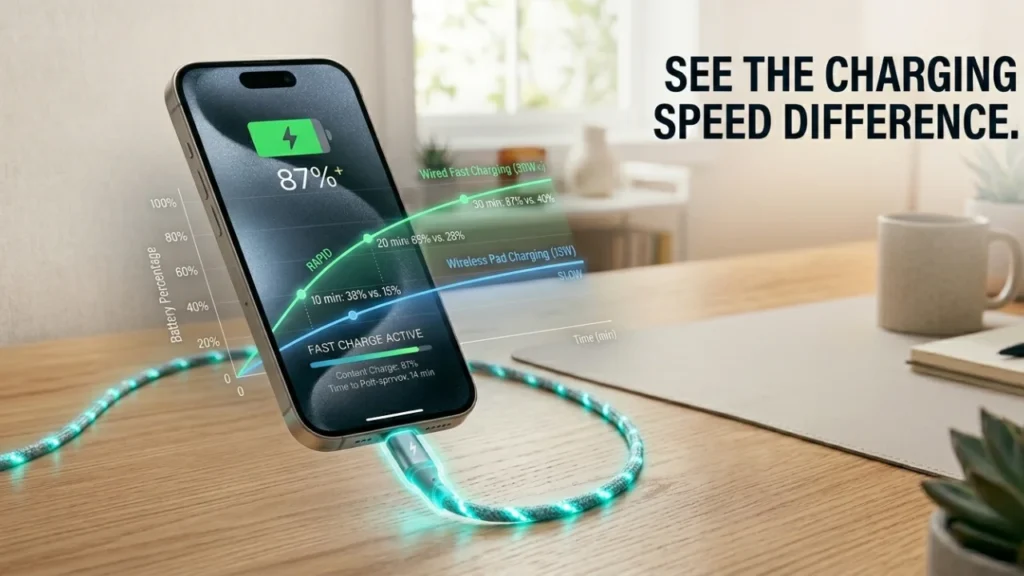
5W vs 12W vs 20W Wired Charging — Real Speed Differences
Wired charging remains the fastest and most reliable method for all iPhone models. The wattage of your adapter determines how much power flows into the battery per minute.
| Charger | Wattage | 0–50% Time | Full Charge | Verdict |
| Old Apple 5W cube | 5W | ~1 hr 20 min | ~3 hrs 30 min | Too slow — replace it |
| Apple 12W iPad adapter | 12W | ~50 min | ~2 hrs 30 min | Decent — budget option |
| Apple 20W USB-C (PD) | 20W | ~30 min | ~1 hr 55 min | Best wired choice |
| Third-party 25W–30W | 25–30W | ~28 min | ~1 hr 45 min | Marginal gain over 20W |
According to Apple Support (support.apple.com/en-us/102574), iPhones support fast charging with adapters of 18W or higher — reaching 50% charge in about 30 minutes from empty. This is confirmed by models iPhone 8 and later.
MagSafe vs Qi Wireless — Which Is Actually Worth It?
Wireless charging is convenient but slower than wired. The gap depends on which wireless standard you use.
| Wireless Method | Max Speed | iPhone 12+ Time | Heat Generated | Best For |
| MagSafe (Apple) | 15W | ~2 hrs 15 min | Moderate | Speed + convenience |
| Qi Wireless Pad | 7.5W | ~3 hrs+ | Low–Moderate | Overnight charging |
| Non-MFi Qi pad | 5–7.5W | ~3 hrs 30 min | Higher risk | Not recommended |
MagSafe uses magnetic alignment to maintain consistent contact, which reduces energy waste and delivers a cleaner 15W charge compared to generic Qi pads that top out at 7.5W for iPhones.
The downside: wireless charging generates more heat than wired. Excess heat is one of the leading causes of long-term lithium-ion battery degradation.
USB-C Power Delivery — The Fastest Way to Charge Any Modern iPhone
USB-C Power Delivery (PD) is the charging protocol that makes fast charging possible. It’s not just about the port — it requires three things working together:
- A USB-C PD-compatible adapter (18W minimum, 20W recommended)
- A USB-C to Lightning cable for iPhone 14 and older
- A USB-C to USB-C cable for iPhone 15 and newer (which uses USB-C port natively)
Missing any one of these three breaks the fast-charge chain. A USB-C adapter plugged into an old USB-A-to-Lightning cable will not fast charge — it will default to standard 5W speeds.
| Cable Warning Using a USB-A to Lightning cable with a 20W USB-C adapter kills your fast charge entirely. You must use USB-C to Lightning (or USB-C to USB-C on iPhone 15+). This is one of the most common reasons people think their new charger isn’t working. |
For more info: Can You Learn Coding in 3 Months? Realistic Guide
The 80% Rule — Why Your iPhone Slows Down on Purpose
The Electrochemical Science Behind the Slowdown
Every iPhone uses a lithium-ion battery made up of thousands of microscopic cells. These cells charge through a process called lithium-ion intercalation — lithium ions moving from the cathode to the anode through an electrolyte.
From 0–80%, the ions move freely into open anode sites. The charger can push current in at maximum rate without resistance. This is called the constant-current (CC) phase.
Above 80%, most anode sites are already filled. Forcing more ions in at high current would cause lithium plating — metalite deposits that permanently damage battery cells and, in extreme cases, create safety risks.
So your iPhone’s Battery Management System automatically switches to the constant-voltage (CV) phase — delivering voltage at a fixed level while current tapers down. Charging slows by up to 50% above 80%. This is intentional. It’s protection.
What Optimized Battery Charging Actually Does at the Software Level
Optimized Battery Charging is an iOS feature documented by Apple Support (support.apple.com/en-us/120619). Most users think it simply pauses charging at 80%. It’s more sophisticated than that.
iOS uses machine learning to study your daily charging patterns. If your phone learns you plug in at 11 PM and wake up at 7 AM, it charges to 80% quickly — then pauses. It resumes charging slowly around 5–6 AM, reaching 100% just before your alarm.
This approach minimizes the time your battery spends at 100% charge under voltage stress — one of the fastest ways lithium-ion cells degrade. Keeping a battery at full charge generates heat and electrochemical stress continuously.
How Battery Health Percentage Directly Affects Your Charge Speed
Battery Health (found in Settings → Battery → Battery Health & Charging) measures your battery’s current maximum capacity compared to when it was new. A battery at 85% health holds roughly 85% of its original charge — and accepts current differently.
A degraded battery has more internal resistance. The BMS responds by reducing charging current to prevent thermal overload and further degradation. This means a phone with 78% battery health may charge noticeably slower than the same model with 100% health — even on the same 20W charger.
| Check Your Battery Health Go to Settings → Battery → Battery Health & Charging. If your Maximum Capacity is below 80%, Apple considers this a significantly degraded battery. iPhone battery replacement costs $99 and can restore full charging speed and runtime. |
How to Charge Your iPhone Faster — Actionable Tips That Work
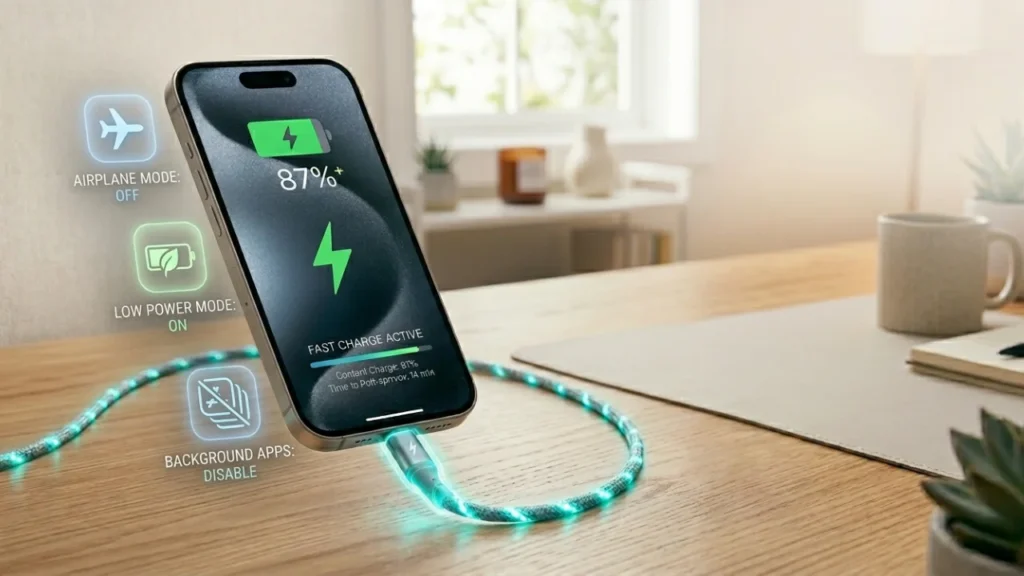
Airplane Mode, Low Power Mode & Other Speed Hacks
The fastest non-hardware change you can make: enable Airplane Mode before plugging in.
With Airplane Mode on, your iPhone disables cellular, Wi-Fi, and Bluetooth radios. These radios draw constant power — even while charging. Disabling them means the full charger output goes directly to the battery, not into radio transmission.
Real-world testing shows Airplane Mode reduces full charge time by 10–20 minutes on a 20W charger. Small — but consistent.
- Low Power Mode: Reduces CPU/GPU performance, background refresh, and display brightness — freeing more incoming power for the battery
- Screen off vs screen on: The display is your largest power draw. Keeping the screen off during charging speeds things up measurably
- Close background apps: Apps refreshing in the background draw power continuously while charging
- Remove the case: Thick cases trap heat during charging. Heat slows charging speed. Removing the case improves thermal dissipation
Temperature, Cables & Third-Party Chargers — What’s Hurting Your Speed
Temperature is the most underestimated factor in iPhone charging speed.
Apple’s iOS will automatically reduce charging current when the iPhone detects temperatures outside the optimal range of 62°F–95°F (16°C–35°C). Below 32°F, fast charging may be disabled entirely.
In summer heat — a car seat, direct sunlight, or a hot surface — your iPhone will throttle charging to protect the battery. You will see a warning: Charging On Hold — Charging will resume when iPhone returns to normal temperature.
On cables and chargers: always use MFi-certified accessories. Non-certified third-party cables may deliver inconsistent voltage, trigger the “This Accessory May Not Be Supported” warning, and — over time — degrade battery cells faster.
Wall Charger vs Car Charger vs Wireless — Ranked by Real-World Speed
| Method | Typical Output | Relative Speed | Best Use Case |
| 20W Wall Charger (USB-C PD) | 18–20W | Fastest | Home / office charging |
| MagSafe (15W) | 15W | Fast wireless | Desk / nightstand use |
| Car Charger (USB-C PD) | 12–18W | Moderate | Commutes, road trips |
| Qi Wireless Pad | 7.5W | Slow | Overnight only |
| Laptop USB-A port | 4.5–5W | Very slow | Emergency only |
| Old 5W Apple cube | 5W | Slowest | Replace immediately |
Car chargers deserve a specific note: even USB-C car chargers can deliver inconsistent voltage due to engine-on vs engine-off electrical fluctuations. For fast charging in a car, choose a car charger rated at 18W minimum with built-in voltage regulation.
How to Protect Battery Health While Charging Fast
Charging faster is only worth it if your battery stays healthy long-term. These habits make a real difference over months and years.
The 20–80% Rule — Why Apple Experts Swear by It
The 20–80% charging rule is a lithium-ion battery management principle embraced by battery engineers and Apple technicians alike.
The science: lithium-ion cells experience the least electrochemical stress when kept between 20% and 80% charge. Both extremes — near-empty and near-full — accelerate the chemical aging of battery cells.
Practically: you don’t need to be obsessive. But consistently letting your phone hit 5% before charging, or leaving it at 100% plugged in all day, gradually reduces your battery’s maximum capacity faster than normal use.
Apple’s own Optimized Battery Charging feature is built around this principle — pausing at 80% to reduce time spent under full-charge voltage stress.
Overnight Charging — Myth vs What Apple’s iOS Actually Does
The myth: “Charging overnight destroys your battery.”
The reality is more nuanced — and depends entirely on whether you use Optimized Battery Charging.
With the feature enabled (the default on all modern iPhones): iOS pauses charging at 80%, learns your wake-up time, and tops off to 100% just before your alarm. The battery spends minimal time at peak voltage. Overnight charging is largely safe.
With the feature disabled or on an older iOS: your phone reaches 100% and enters trickle charging mode — tiny top-up pulses to maintain 100% all night. This is a low but continuous source of heat and voltage stress. Over hundreds of nights, it compounds.
Habits That Silently Kill Your iPhone Battery Faster
- Wireless charging daily as your primary method: More heat than wired. Heat = faster degradation
- Gaming or video streaming while charging: Heavy processor load + charging current = significant heat buildup
- Using non-MFi chargers regularly: Unregulated voltage spikes stress battery cells over time
- Charging in direct sunlight or on a hot surface: Thermal damage is cumulative and irreversible
- Ignoring battery health below 80%: At this point, capacity and charging behavior change noticeably — replacement is worth considering
| Apple’s Official Guidance Apple states that iPhone batteries are designed to retain up to 80% of their original capacity at 500 complete charge cycles under normal conditions. After 500 cycles, degradation accelerates. Track your usage in Settings → Battery. |
FAQs — iPhone Charging Questions Answered
What is the 20 to 80 battery rule?
The 20–80 battery rule is a lithium-ion charging guideline that recommends keeping your iPhone’s battery between 20% and 80% charge as much as possible. Both very low and very high charge states cause electrochemical stress that degrades battery capacity over time. Regularly draining to 0% or keeping your phone at 100% for extended periods accelerates the loss of maximum battery capacity. Apple’s Optimized Battery Charging feature is designed around this principle — pausing at 80% to reduce voltage stress.
How quickly do iPhones charge?
With a 20W USB-C Power Delivery adapter, modern iPhones (iPhone 8 and later) can reach 50% charge in approximately 30 minutes from empty — this is Apple’s documented fast-charge capability. A full charge from 0% to 100% typically takes 1 hour 45 minutes to 2 hours 15 minutes depending on the model and battery size. Older 5W chargers take 3 to 3.5 hours for a full charge. iPhone 15 Pro Max with its 4,422 mAh battery is the slowest to fill — around 2 hours 15 minutes at 20W.
What iPhones will stop working in 2027?
Based on Apple’s software support history, iPhones that are likely to lose iOS update support around 2026–2027 include the iPhone XR, XS, and XS Max — these currently run iOS 17 but may not receive iOS 19 or beyond. Apple typically supports iPhones for 5–6 years from release. Models released in 2018–2019 are approaching the end of their supported software lifespan. “Stopping working” is inaccurate — the hardware will still function, but without security updates and new iOS features, they become increasingly vulnerable and incompatible with newer apps.
Is 2 hours fast charging?
For a full charge from 0–100%, 2 hours is considered a solid fast-charge result for large-battery iPhones like the iPhone 14 Plus or iPhone 15 Pro Max. For smaller models like the iPhone 15 or iPhone 13 mini, 2 hours is slightly slower than optimal — those should reach 100% in around 1 hour 45 minutes with a 20W charger. Two hours is significantly faster than the 3+ hours required with an old 5W adapter, so yes — 2 hours represents genuine fast-charging performance.
Should I charge my phone to 90% or 100%?
For daily longevity, charging to 90% instead of 100% reduces the time your battery spends under high-voltage stress — which is the primary driver of long-term capacity loss. However, the practical difference is small if you use Optimized Battery Charging (iOS does this automatically). If you’re planning a long day away from a charger, charge to 100% without guilt. For everyday home or desk use where you always have access to a charger, keeping the battery between 40–90% is the ideal range for maximizing long-term battery health.
Is slow charging bad for battery?
No — slow charging is actually gentler on your battery than fast charging. Lower charging current generates less heat, and heat is the primary enemy of lithium-ion battery health. Slow charging overnight (especially with Optimized Battery Charging enabled) is one of the least stressful charging methods for battery longevity. Fast charging is convenient but does produce slightly more heat above 80% capacity. The tradeoff is worth it in most cases — Apple’s fast-charge implementation is designed to minimize thermal stress while delivering speed.
The Bottom Line
The fastest way to charge your iPhone faster is simple: use a 20W USB-C Power Delivery adapter with the correct cable, enable Airplane Mode, and keep your phone cool.
Understand the 80% slowdown — it’s not a flaw, it’s protection. Respect your battery health, use Optimized Battery Charging, and your battery will stay strong well past 500 charge cycles.
Sources: Apple Support (support.apple.com) · Volta Charger · VegerPower · Reddit r/iPhone12 · Apple Discussions · Apple Battery Health Documentation